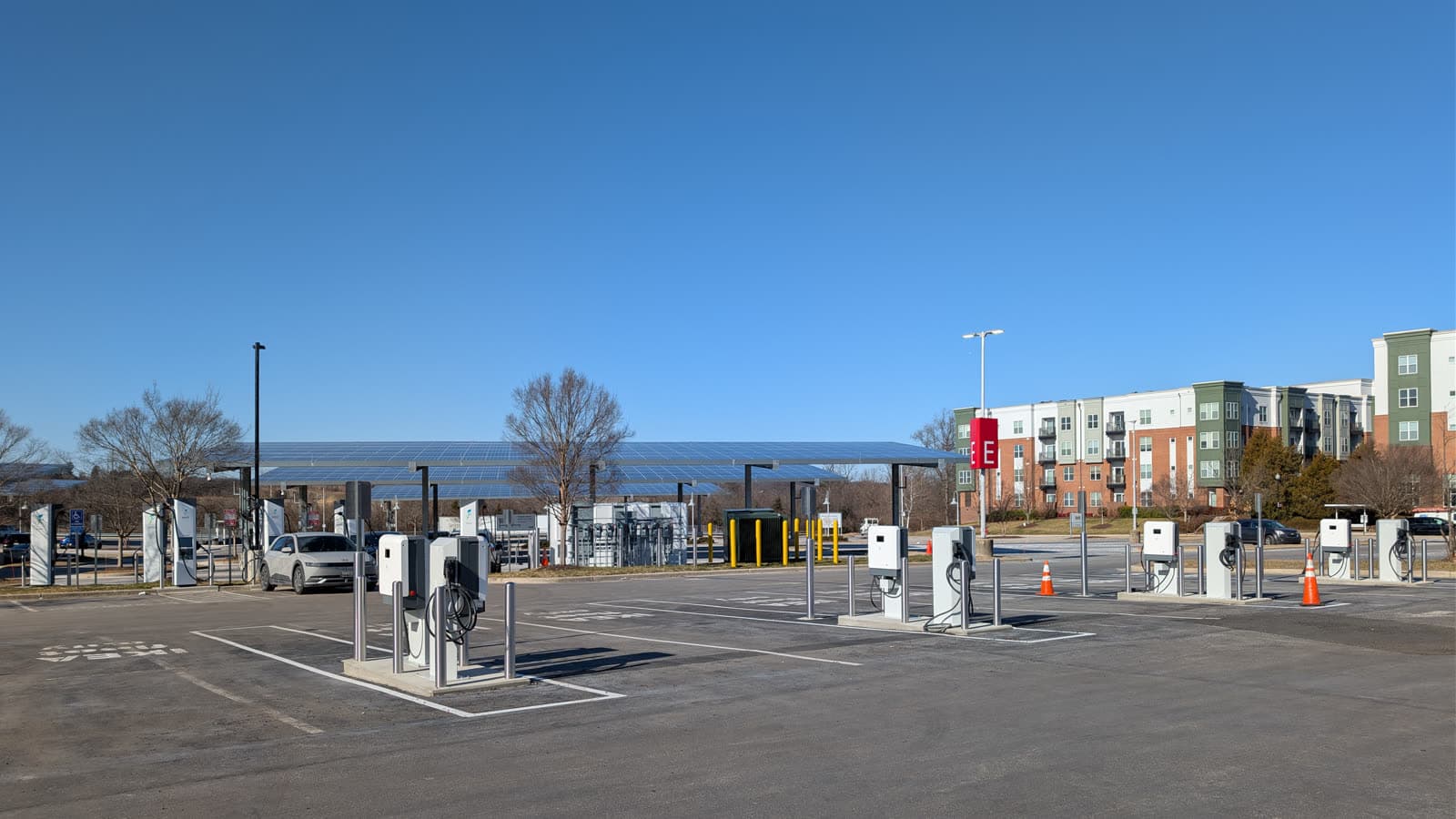
Photo: G. Edward Johnson (CC BY 4.0)
Practical Tips
EV Charging Etiquette: The Unwritten Rules Every Driver Should Know
September 7, 2026
By Hugo Beignon, Founder of ma-borne-electrique.com
How long to stay plugged in, whether to charge to 100%, where to put the cable: the habits that keep shared charging stations running smoothly, wherever you drive.
As more EVs hit the road, more drivers end up sharing the same charging bays. There's no official rulebook, just a handful of habits that keep the wait short for everyone, no matter where you plug in.
Move your car as soon as charging is done
A charging bay stays occupied as long as a car is plugged in, even once no current is flowing. At busy fast chargers, leaving your car in place "just in case" blocks the spot for someone else. Most apps send a charging-complete notification: the right move is to come back and move the car within a few minutes, not an hour later.
Don't push to 100% on a busy fast charger
On a DC fast charger, charging speed drops sharply past 80%, to protect the battery. Pushing to 100% can double or triple the time spent plugged in for a small gain in range. When a queue starts forming, unplugging around 80% frees up the spot faster, and any extra range can be topped up on a slower charger elsewhere.
Respect arrival order, and don't park without charging
Whether it's a physical queue or an app-based reservation, first-come-first-served is the most widely accepted rule. Parking in an open charging spot "just for a moment" without plugging in, or worse, when it's already reserved by someone else in the app, blocks a driver who was legitimately waiting for it.
Coil the cable when you're done
A cable left on the ground, or tangled up, gets in the way of the next driver, wears out faster, and can trip a passerby. Putting it back on its holster, when the station has one, takes a few seconds and avoids all of that.
Don't unplug someone else's car
Even if a car looks like it's done charging, unplugging it on someone else's behalf is risky: charging could just be paused, or the driver could be back any moment. It's safer to check the status shown on the charger or in the app, and contact the operator if in doubt, rather than acting on your own.
Report a broken charger instead of leaving it occupied
A faulty charger that's still plugged into a car can waste several drivers' time before anyone notices. Reporting it through the app or the number posted on the unit helps the operator step in faster, and saves other drivers from wasting time trying to use it.
The key habits, at a glance
- Move your car as soon as charging finishes, especially during busy hours.
- Unplug around 80% on a busy fast charger if a queue is forming.
- Respect arrival order or reservations, and don't occupy a spot without charging.
- Coil the cable back onto its holster after use.
- Never unplug someone else's car unless you're certain it's safe to.
- Report a broken charger through the app rather than leaving it as is.
A courtesy that doesn't depend on any border
None of these habits rely on a specific regulation: they work just as well on a French, German, Spanish, or American network, because they answer a universal problem, sharing a limited number of chargers. Following them cuts the wait for everyone, yourself included.
Frequently asked questions
How long can I leave my car plugged in after charging finishes?
As briefly as possible, ideally within a few minutes of the charging-complete notification, especially if the station is busy or a queue has formed.
Should I charge to 100% on a fast charger?
Usually not necessary: past 80%, charging speed drops sharply, so unplugging at that point frees up the spot faster for a minimal difference in trip time.
Can I unplug someone else's car if it looks done charging?
Better not to: charging could simply be paused, and the driver may be back any moment. Checking the status on the app or contacting the operator is the safer option.
What should I do if a charger looks broken?
Report it through the app or the number listed on the unit rather than leaving it occupied or trying to force it to work: that lets the operator step in faster.
Want to find a charging station nearby? Check the charging map to plan your next trip.